Guest list & door
A faster line at the door.
Every booking becomes a signed QR pass. Door staff scan it from a phone and see the party, the table and the count in one tap.
Learn more about Guest list & door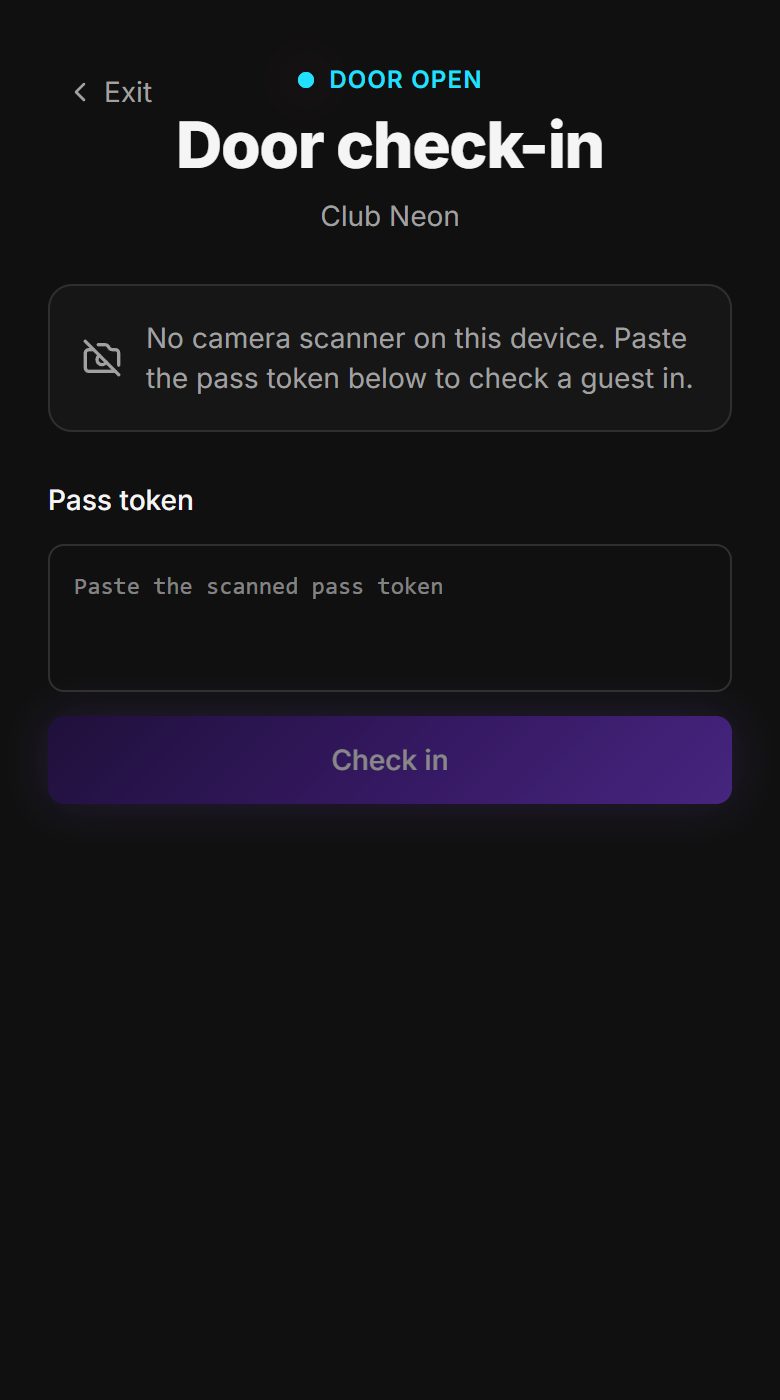
Design each room yourself, price tables by night, and run reservations from a single list that knows your layout. No support ticket needed to move a booth.
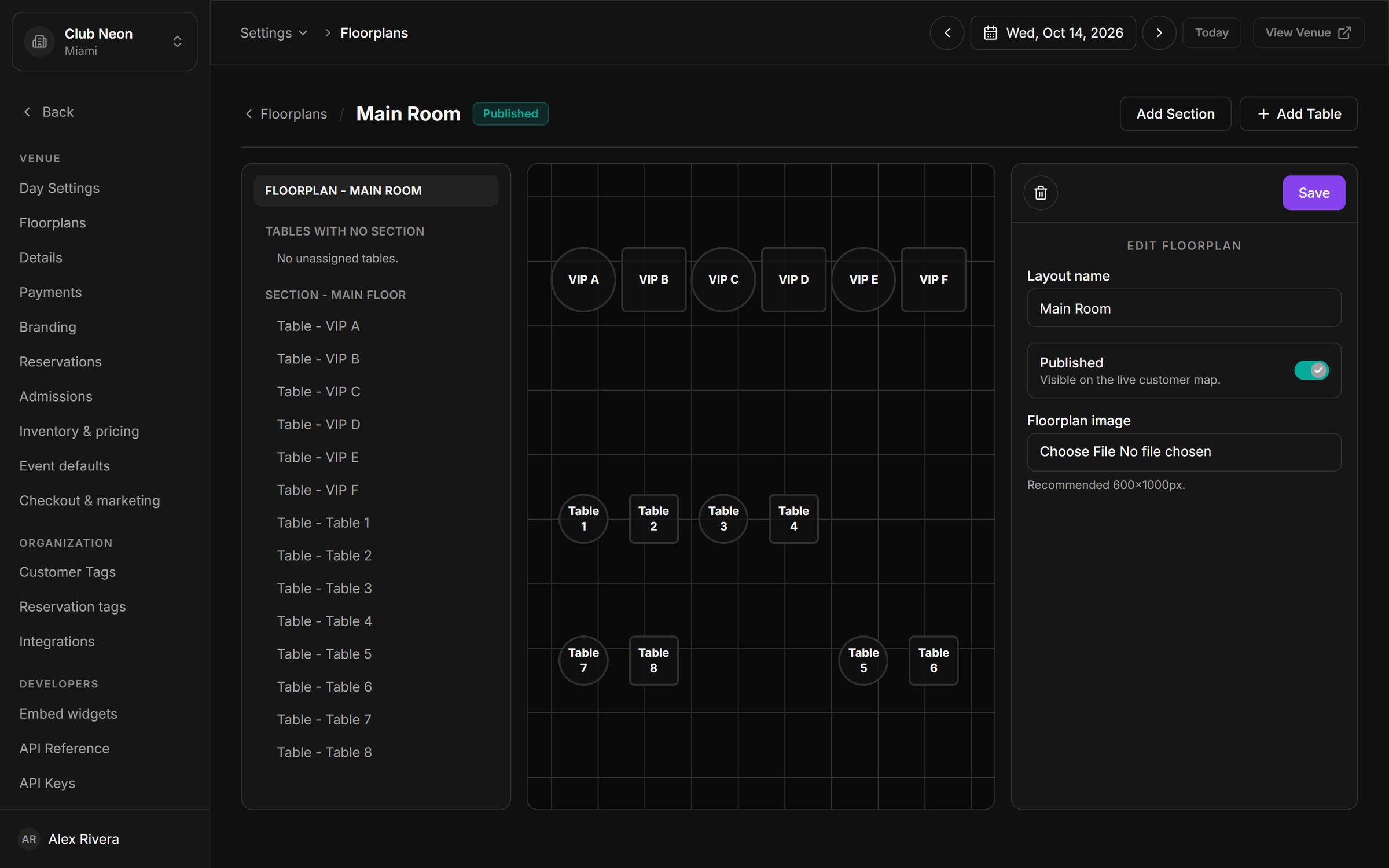
Add sections and tables, drag them into place and publish. Round booths, square tables, VIP rows: the editor mirrors the room your staff actually works in.
Attach a minimum spend and a deposit to each table package. Guests see the terms before they pay, so nobody argues about them at 1 AM.
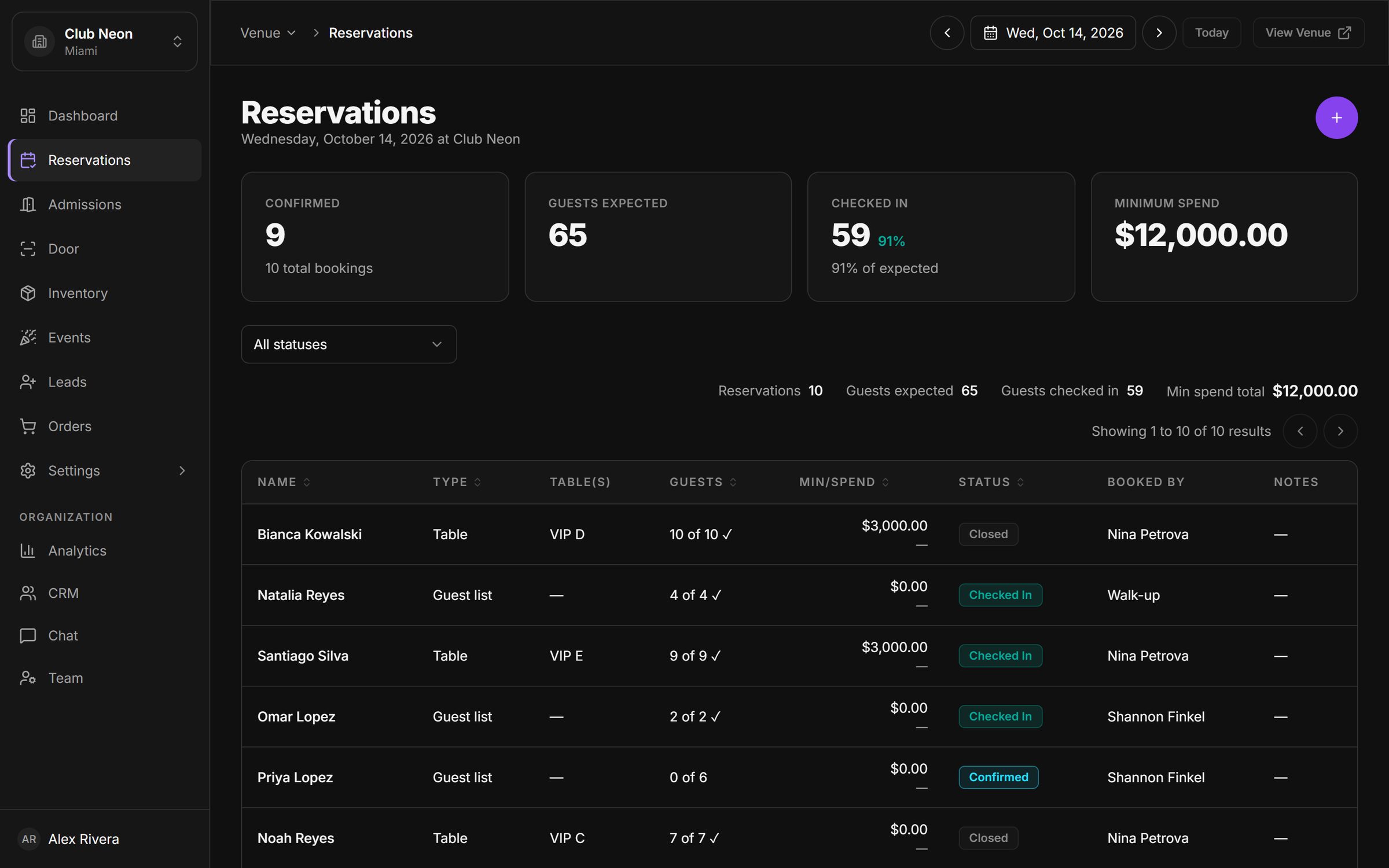
Tables, guest list and walk-ups share the same reservation list, with party size, who booked it and arrival progress on every row.
Slice by status to see who is still expected, who has arrived and which bookings closed out, without exporting a spreadsheet.
Jump between nights with the date picker. Every view, from the dashboard to the floor, follows the night you are working on.
Every booking becomes a signed QR pass. Door staff scan it from a phone and see the party, the table and the count in one tap.
Learn more about Guest list & doorTake deposits or full prepayment through Stripe, send payment links from any reservation, issue refunds, and get paid out to your own account.
Learn more about Payments & payouts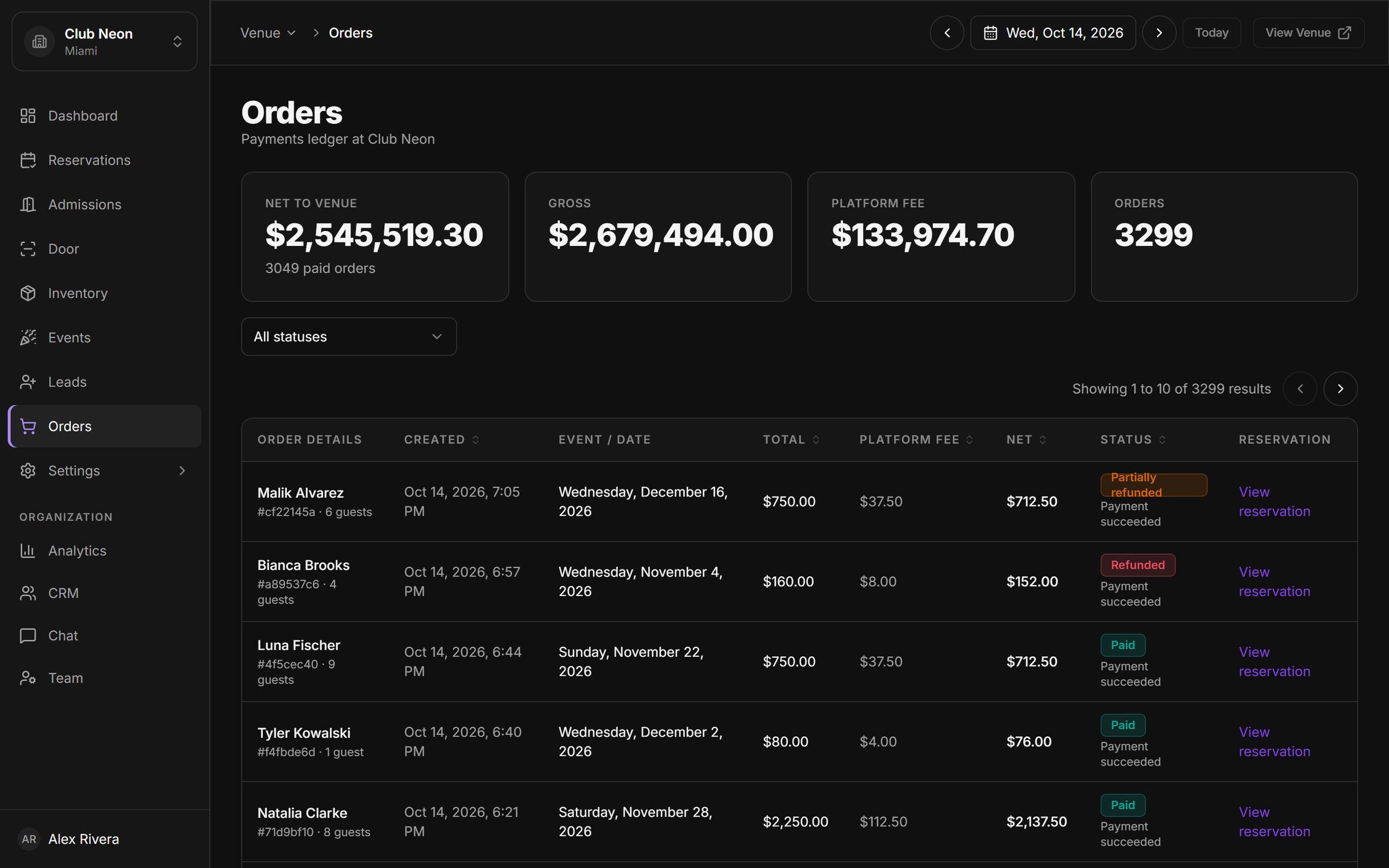
Create one-off or weekly events with artwork, sell tickets, tables and guest list against them, and track capacity in real time.
Learn more about Events & ticketing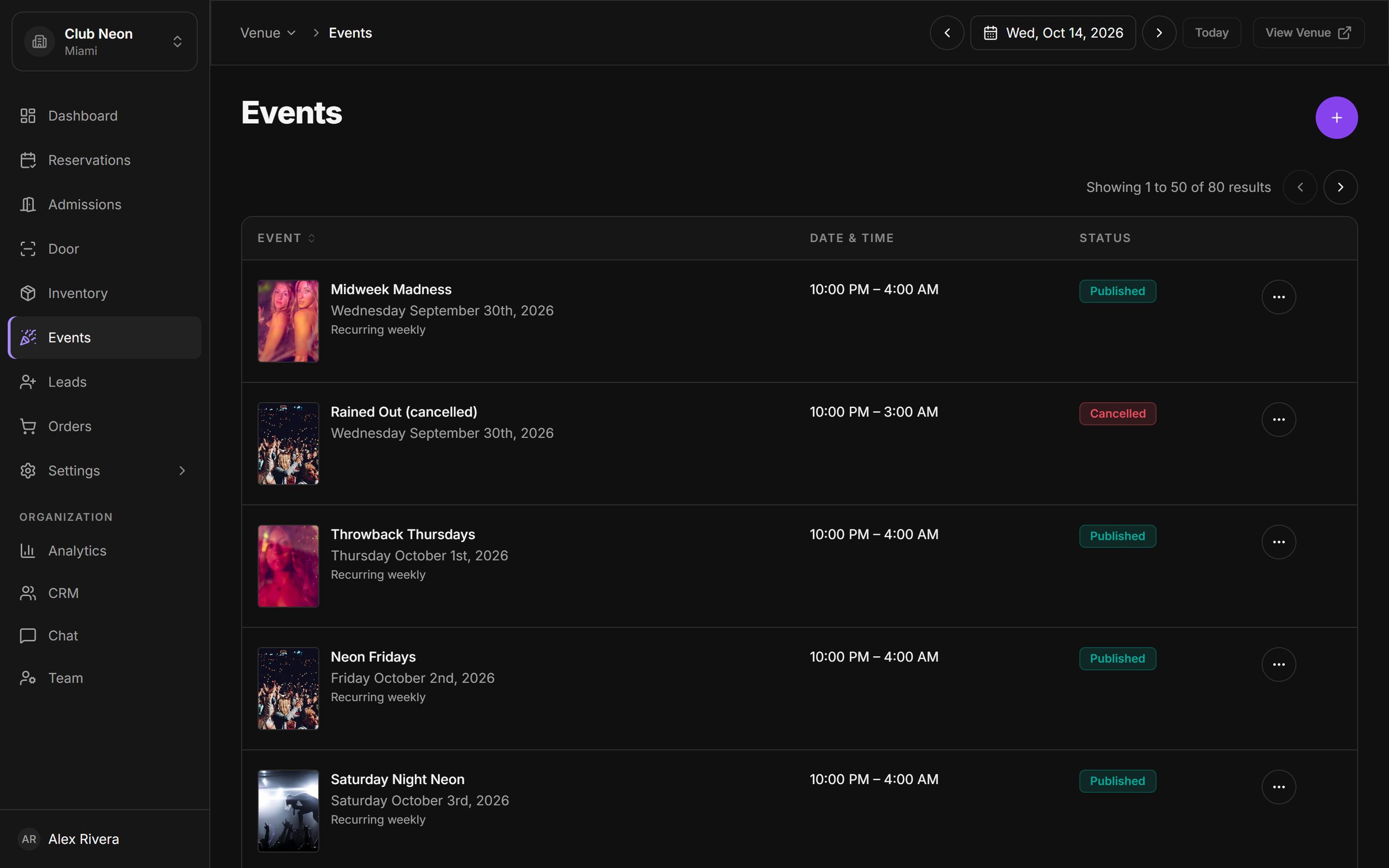
Book a 30-minute walkthrough. We will set up a sample of your venue, your tables and your next event, and show you the night from booking to door.