Events & ticketing
Publish the night, sell it everywhere.
Create one-off or weekly events with artwork, sell tickets, tables and guest list against them, and track capacity in real time.
Learn more about Events & ticketing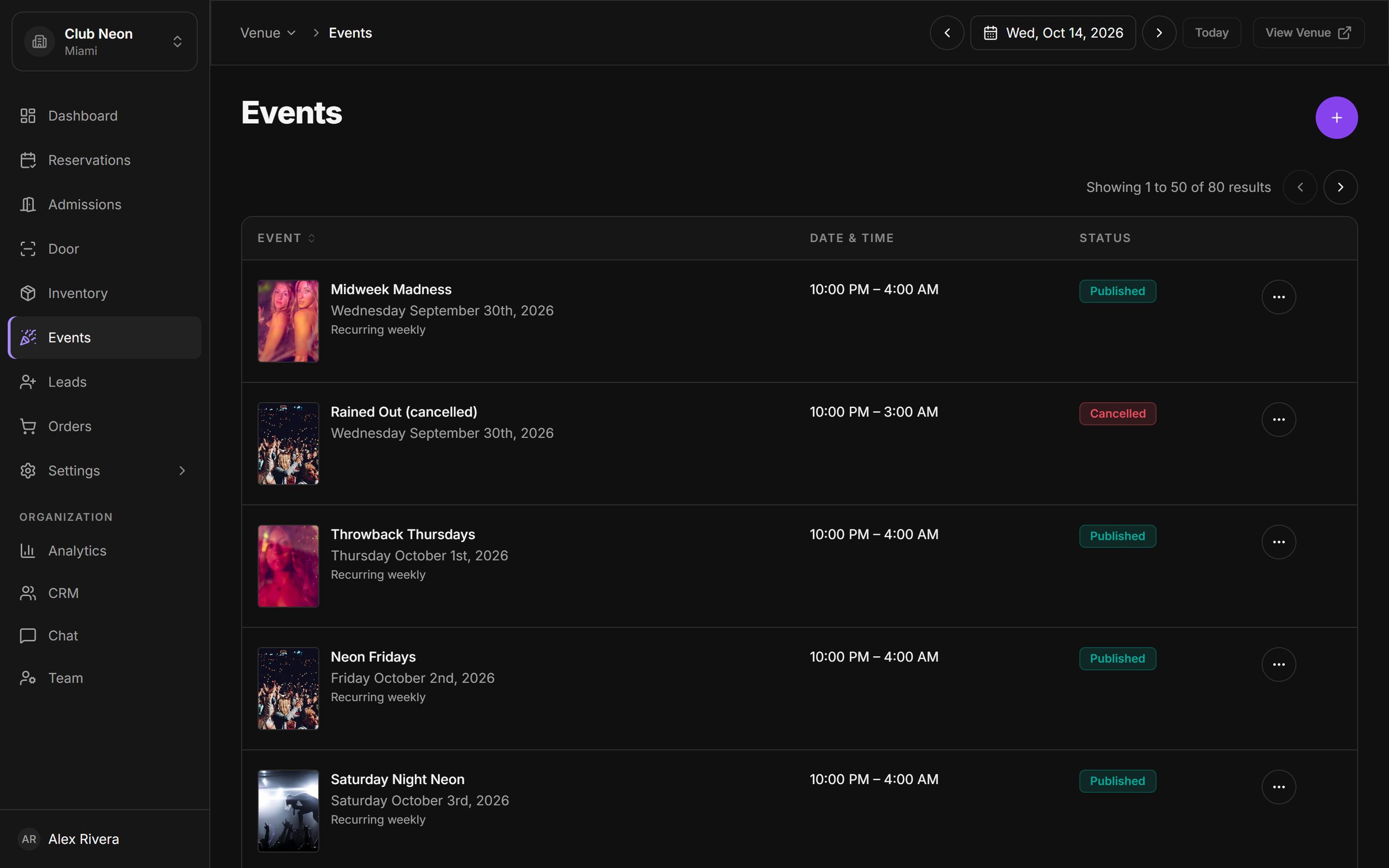
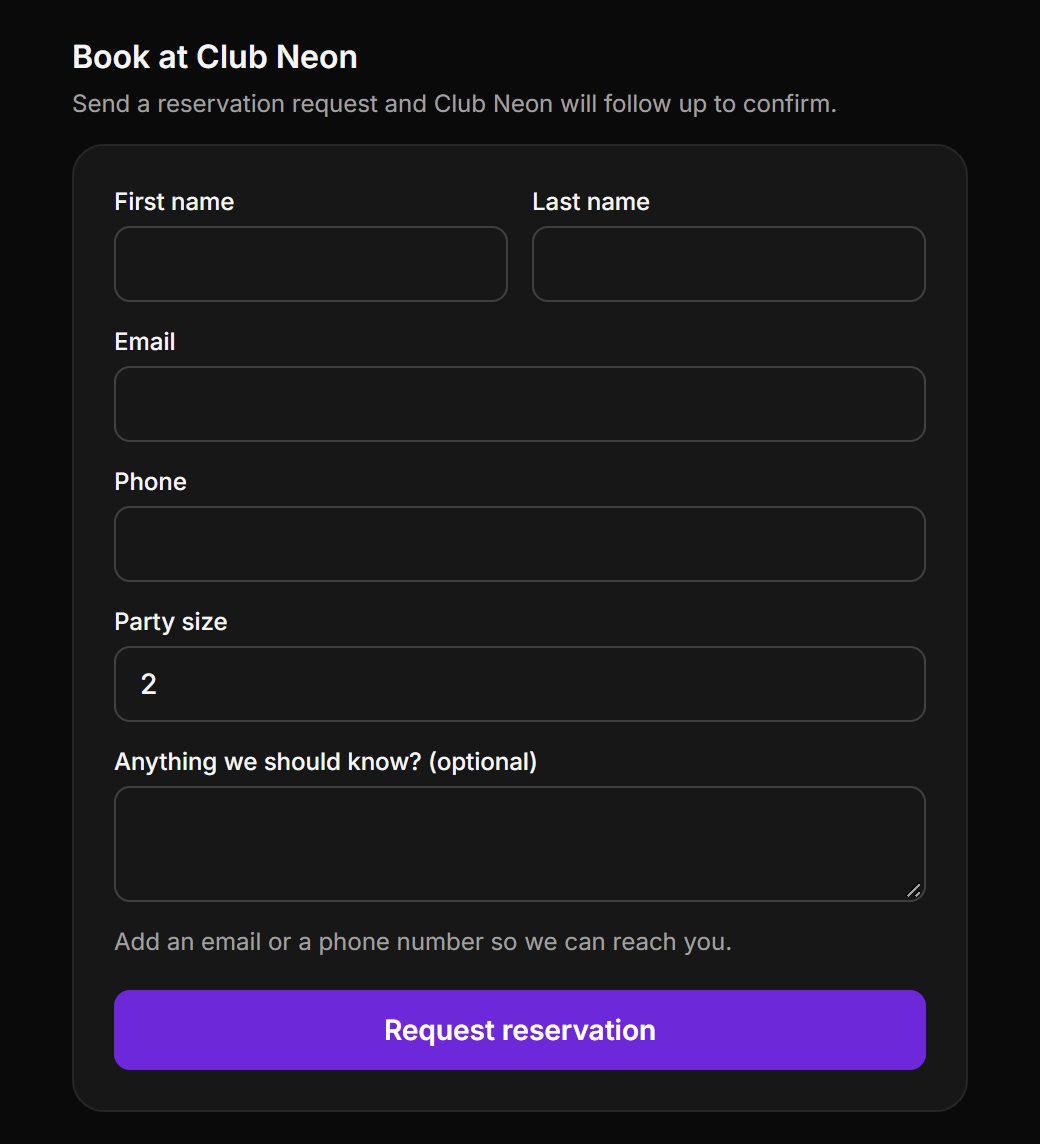
Your own website should sell tables too. Paste one snippet and visitors can book live inventory or send a reservation request without leaving your page.
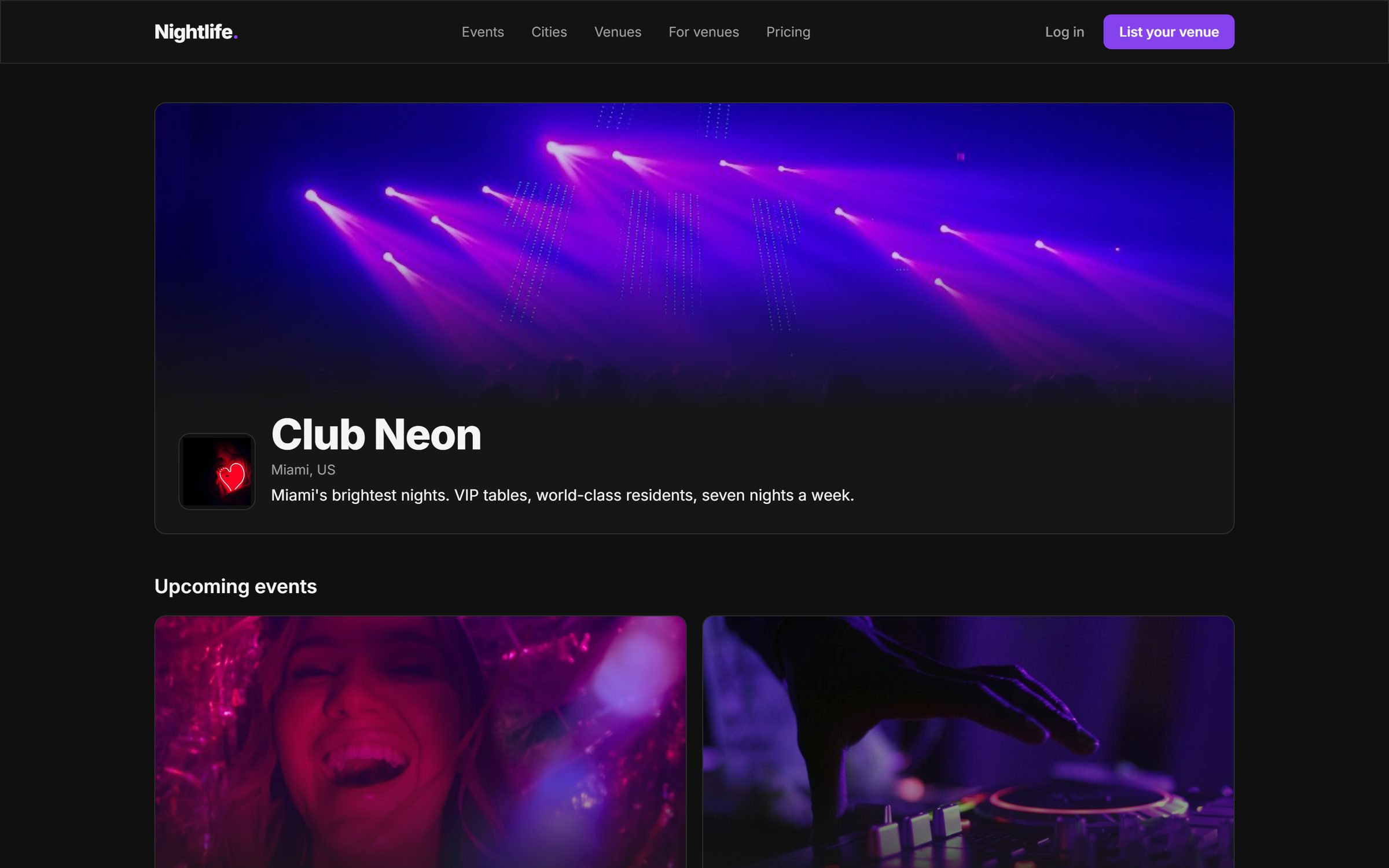
Copy a script tag from settings and paste it where the widget should appear. It loads in a self-contained frame, so it cannot break your site.
Set your accent color and a dark or light theme. The widget picks up your venue branding automatically.
When a guest pays, checkout opens on a protected page with Stripe, so card details never pass through your website.
Every venue gets a public page with cover photo, tagline and upcoming events, plus a listing on the marketplace.
Create API keys and subscribe to webhooks to push bookings into your own tools or reporting.
Create one-off or weekly events with artwork, sell tickets, tables and guest list against them, and track capacity in real time.
Learn more about Events & ticketingTake deposits or full prepayment through Stripe, send payment links from any reservation, issue refunds, and get paid out to your own account.
Learn more about Payments & payouts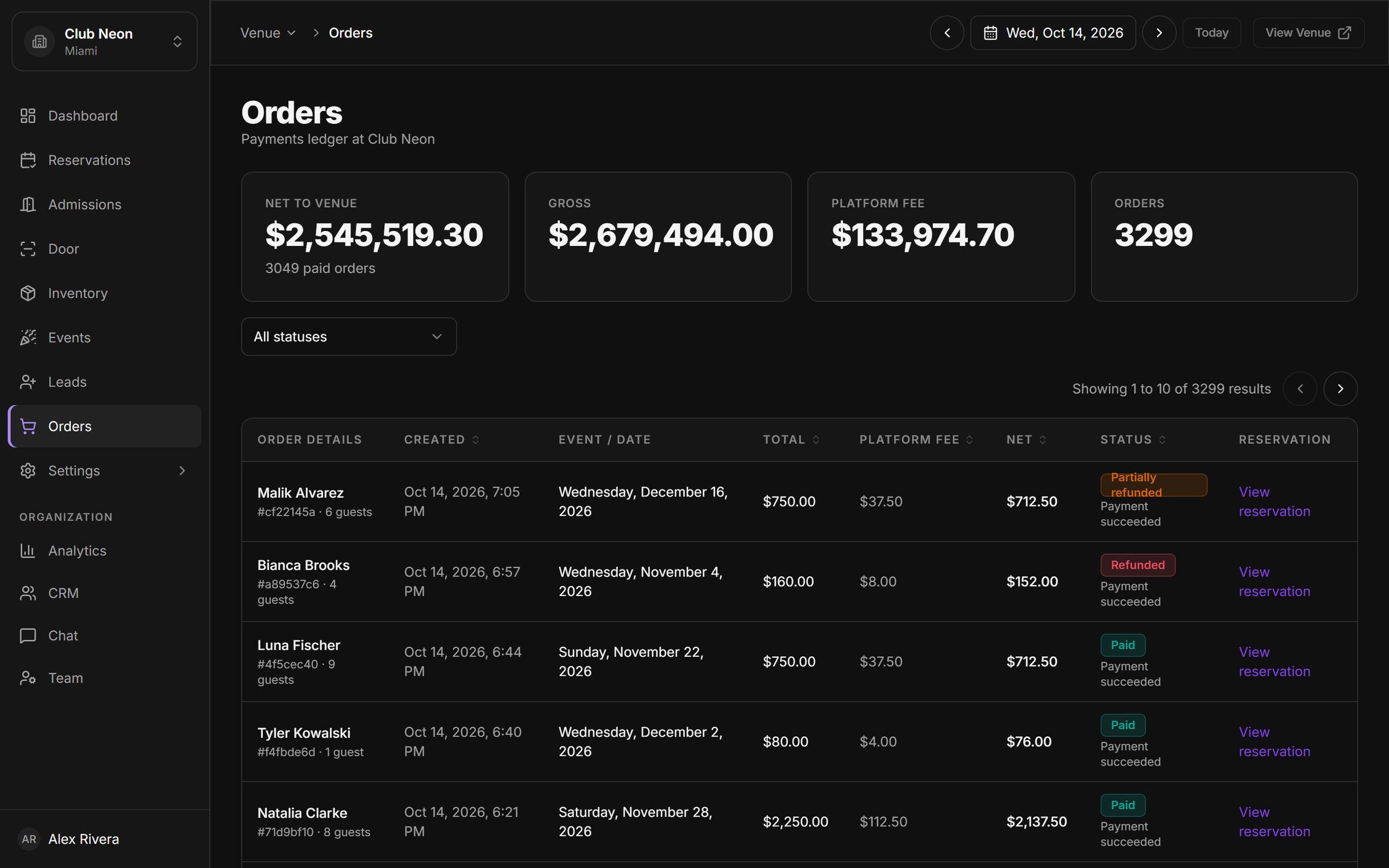
Connect POS, email marketing, CRM and analytics tools from one settings screen, and switch each integration on or off per venue.
Learn more about Integrations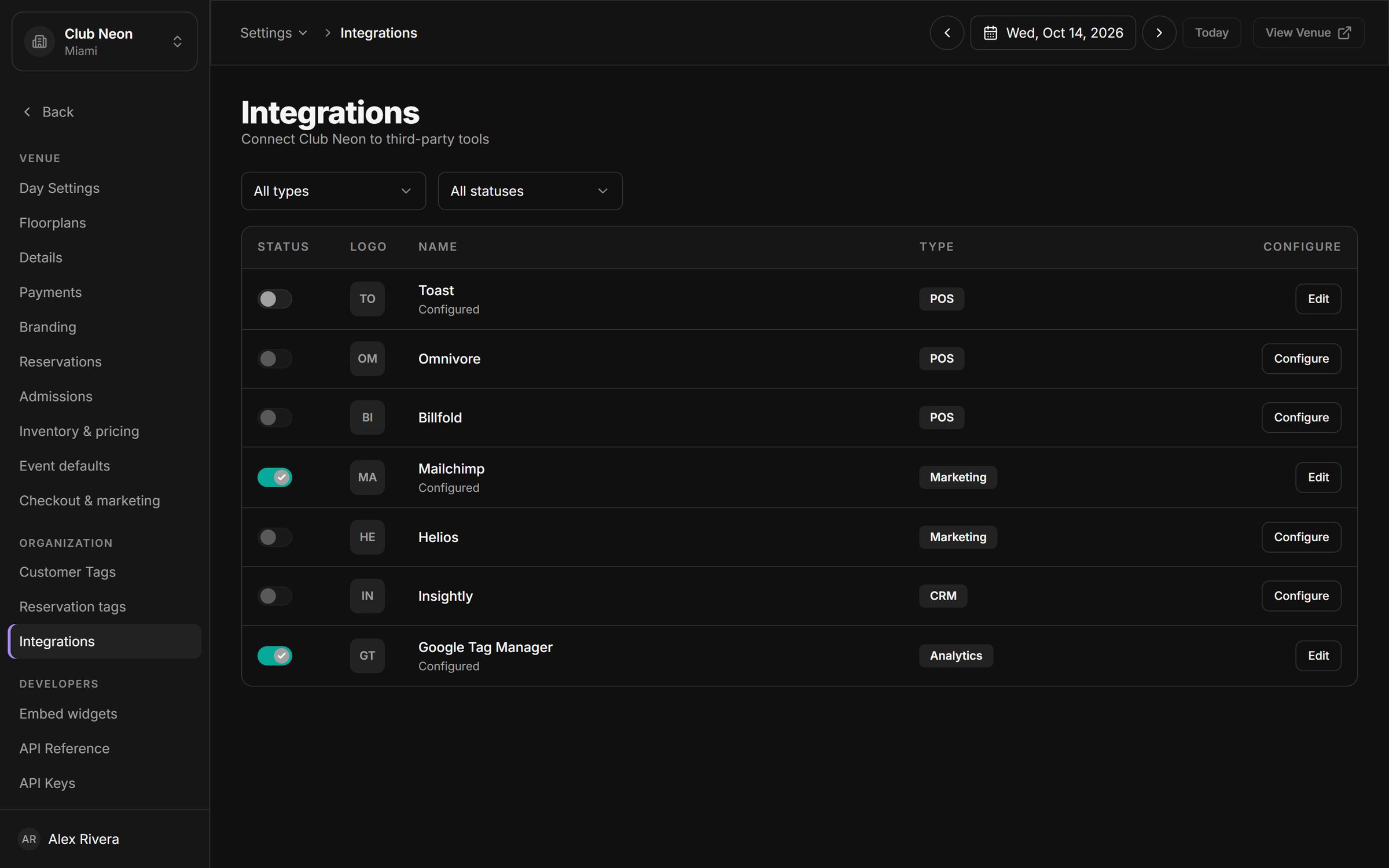
Book a 30-minute walkthrough. We will set up a sample of your venue, your tables and your next event, and show you the night from booking to door.