Customer chat
Answer guests where they already are.
A shared inbox for guest conversations over SMS, with your team's replies, payment links and history in one thread.
Learn more about Customer chat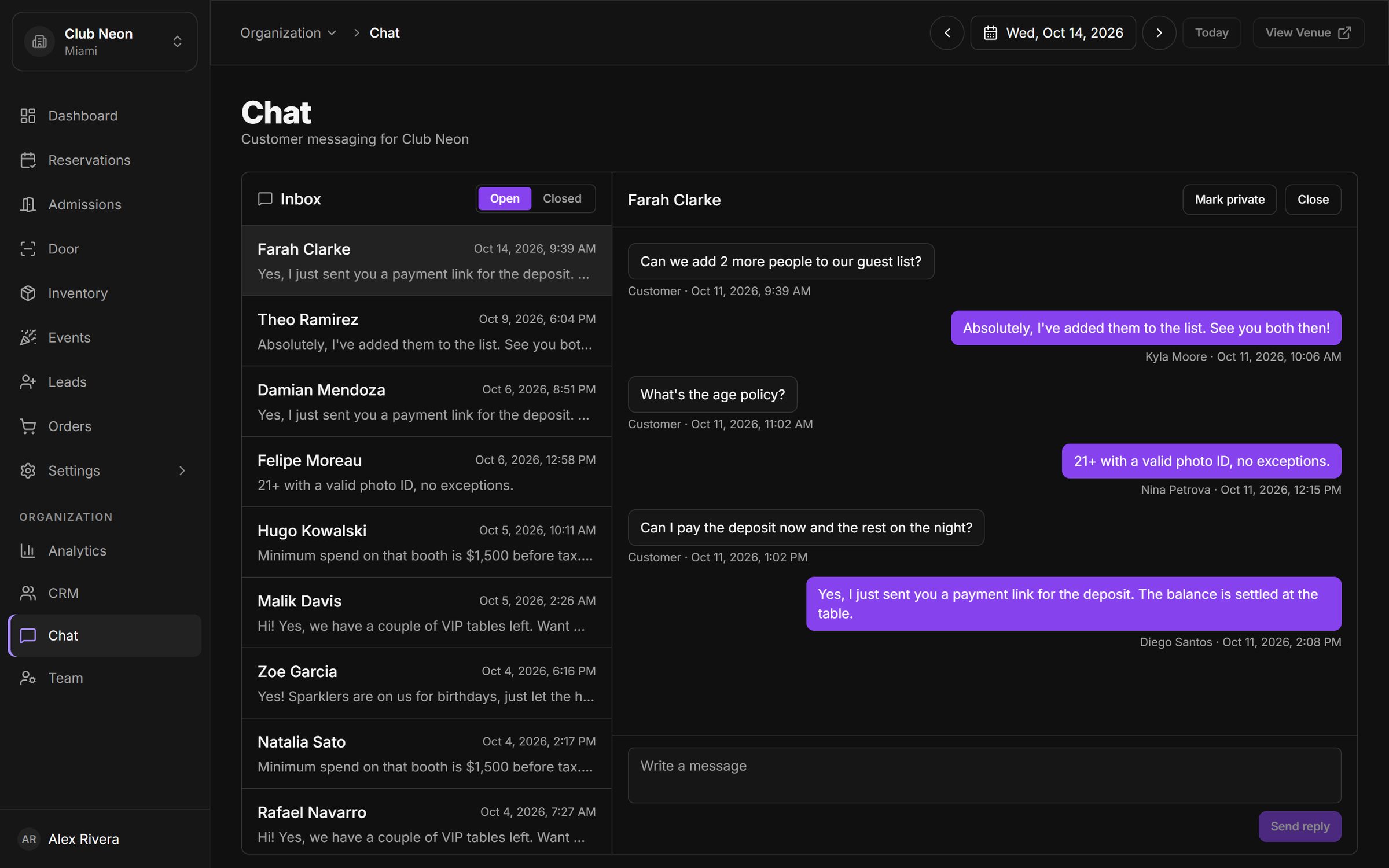
Each reservation, ticket and order adds to a single customer record. Visits, lifetime spend and your own tags are there the moment a guest books again.
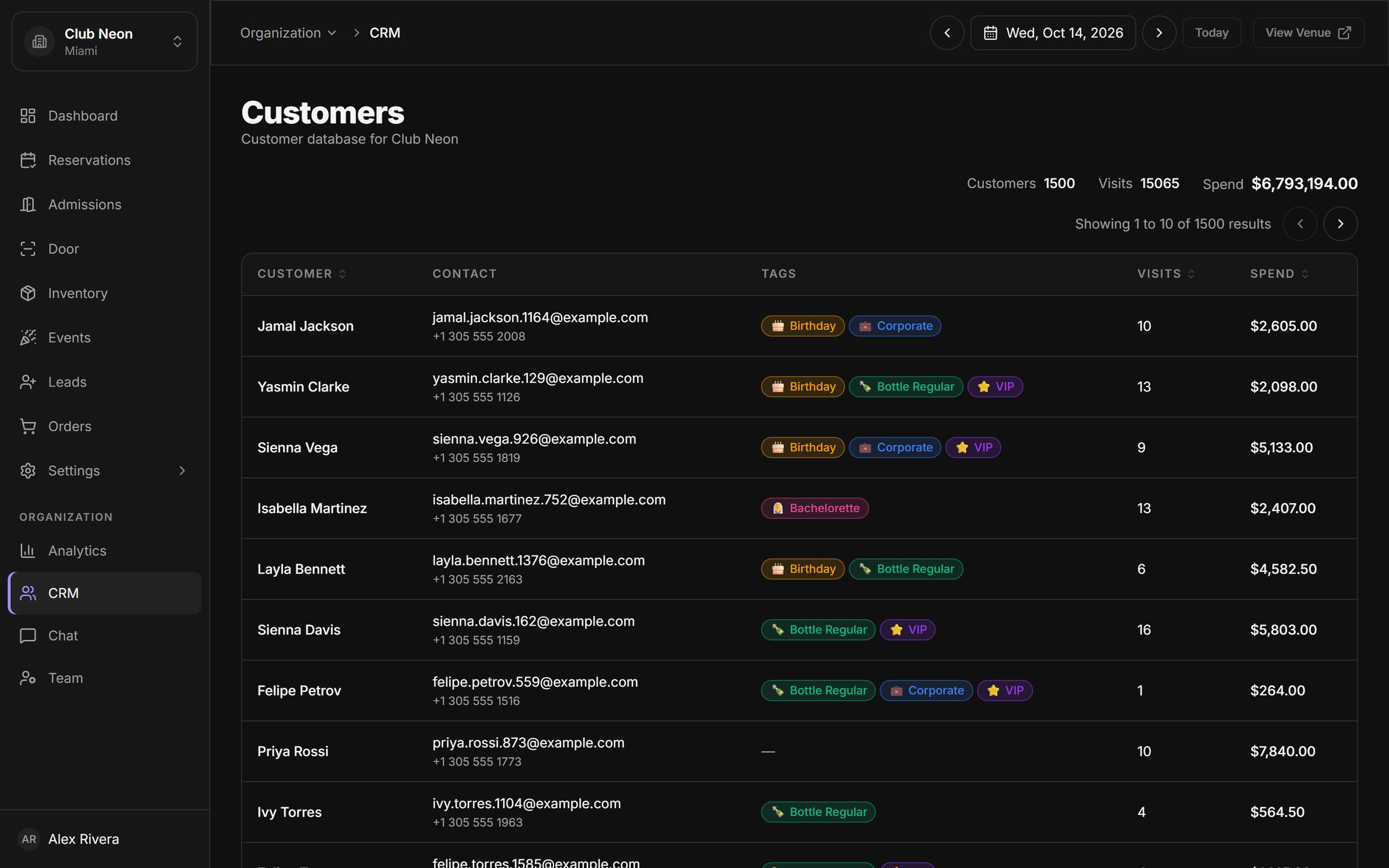
Profiles are created and updated from real bookings and payments. No one has to type a guest into a spreadsheet after the shift.
Sort by visits or spend to find the guests who matter most, then tag them so every host recognises them next time.
Create your own customer tags (VIP, Birthday, Corporate, Bottle regular) and see them wherever that guest appears.
Every reservation request lands in the leads inbox with its source, so you can follow up, approve and convert it in one place.
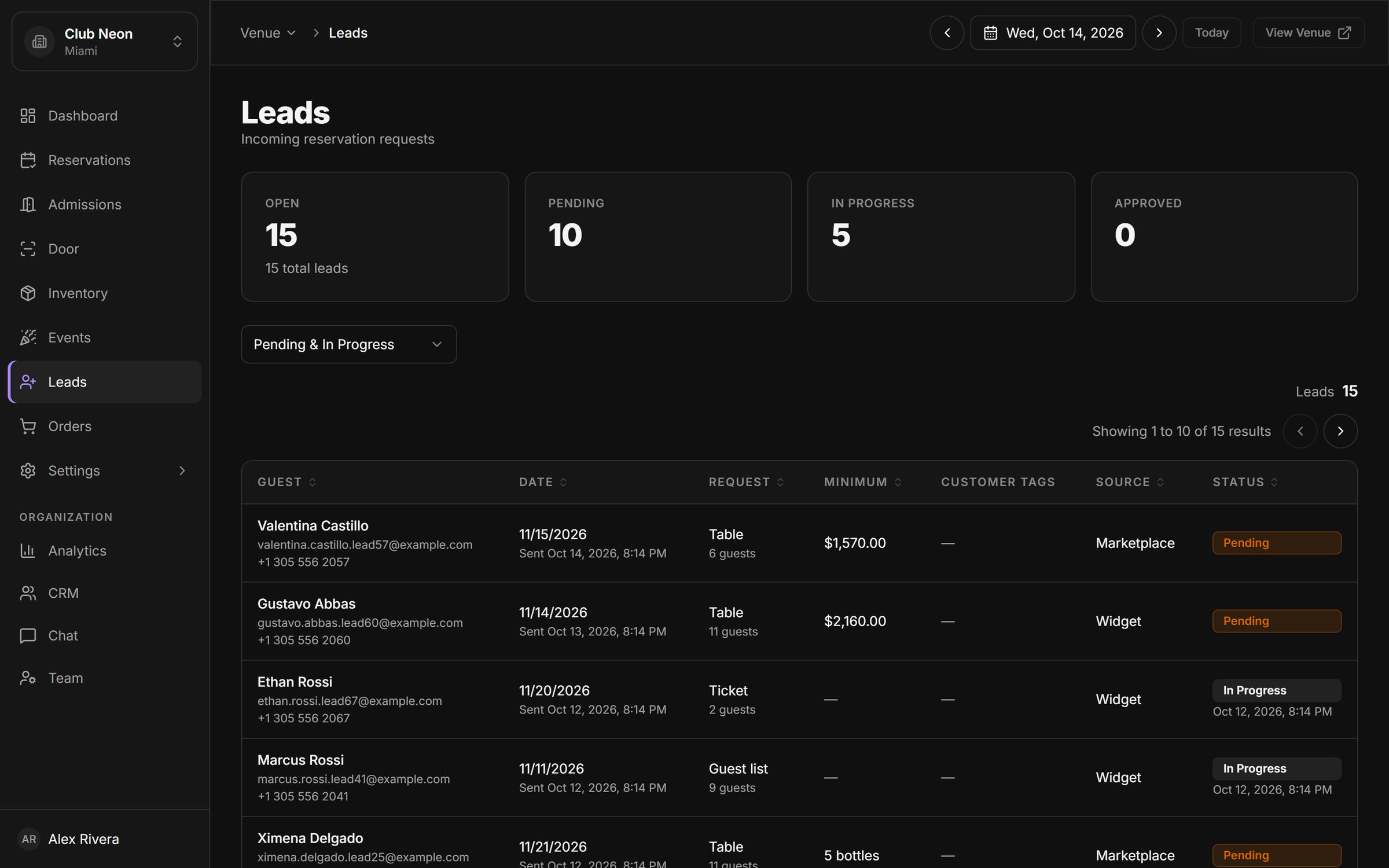
A shared inbox for guest conversations over SMS, with your team's replies, payment links and history in one thread.
Learn more about Customer chatNet revenue, check-in rate, reservations by type and revenue by event, for any date range, venue by venue, switching between venues in one click.
Learn more about Analytics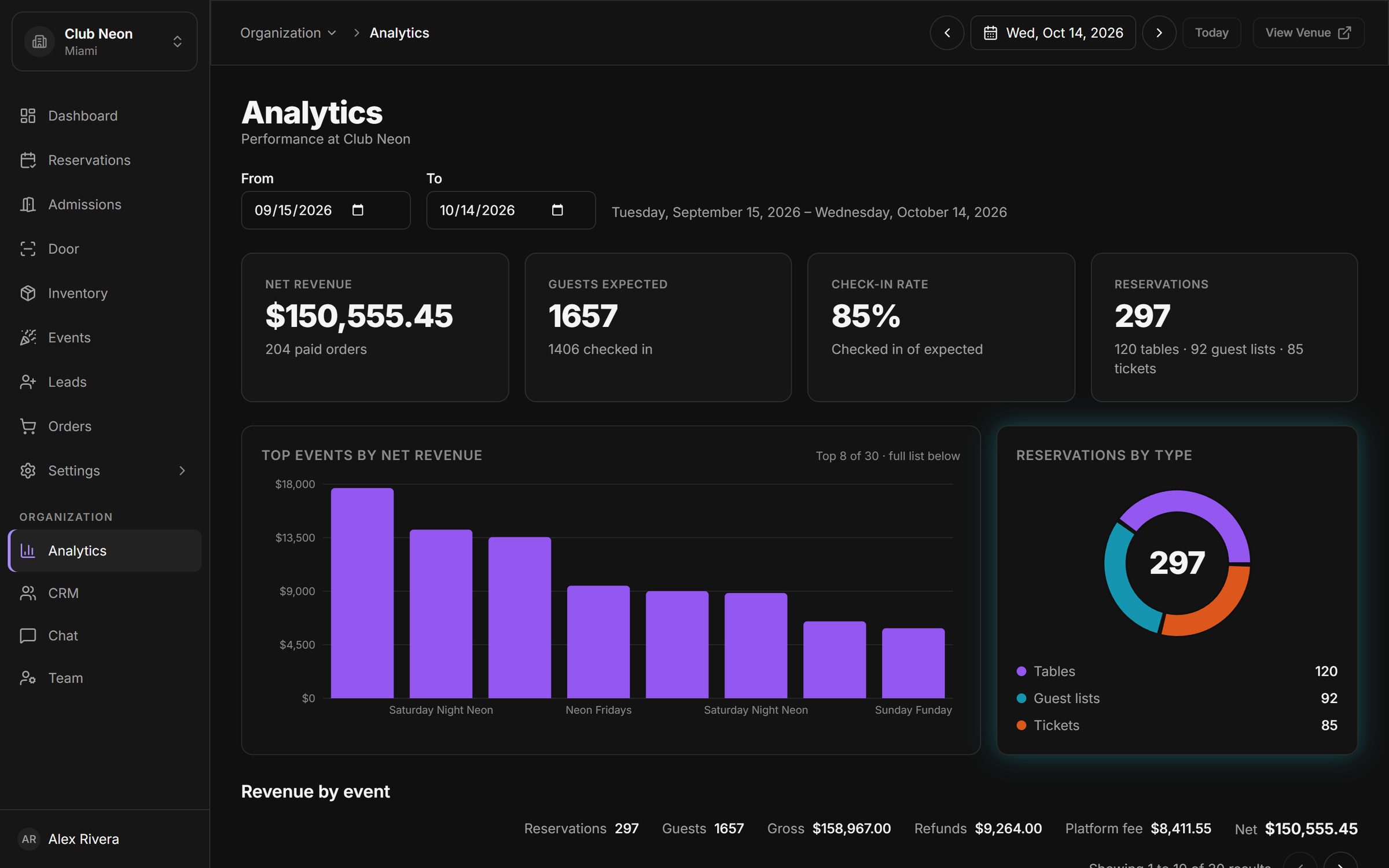
Connect POS, email marketing, CRM and analytics tools from one settings screen, and switch each integration on or off per venue.
Learn more about Integrations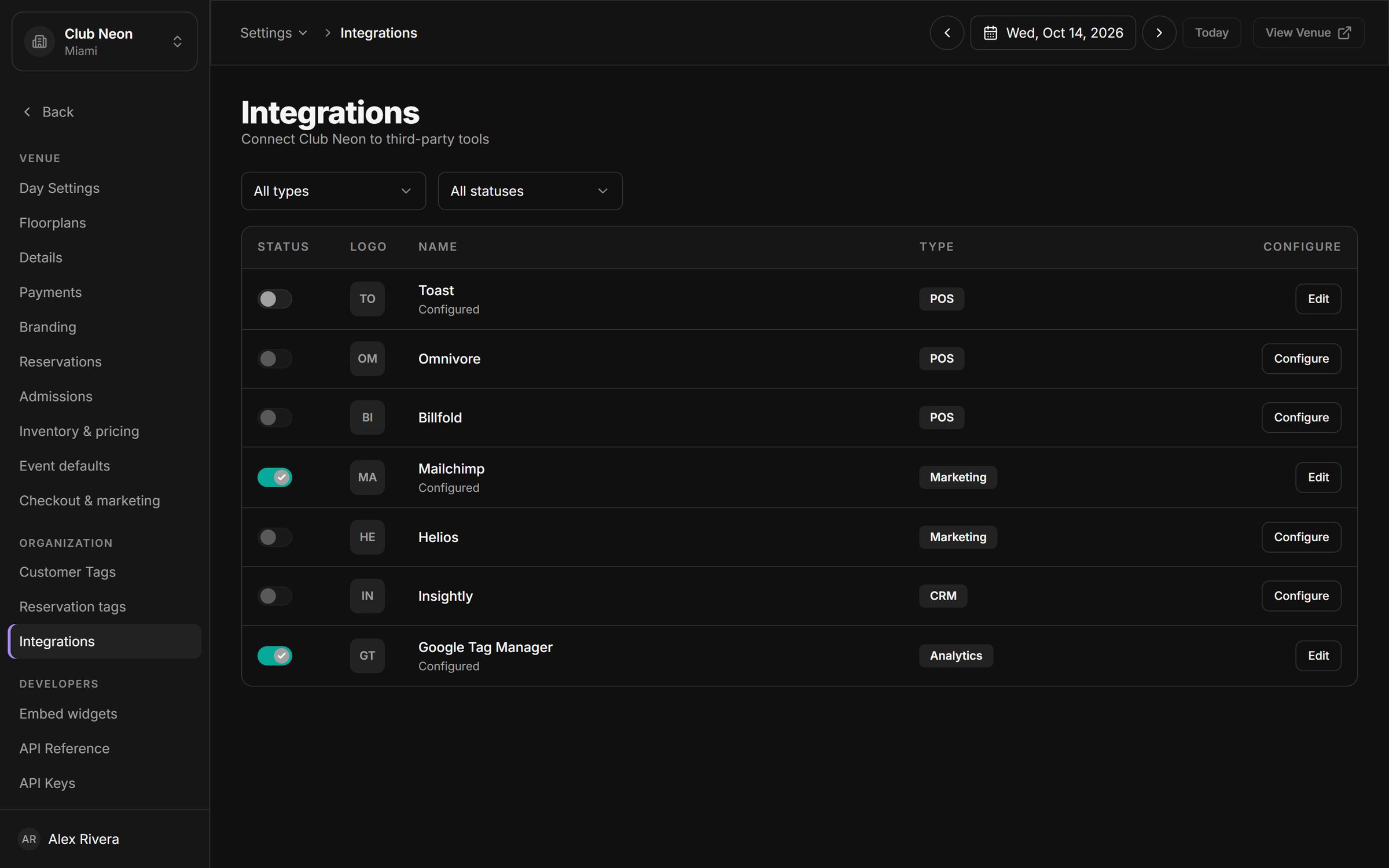
Book a 30-minute walkthrough. We will set up a sample of your venue, your tables and your next event, and show you the night from booking to door.